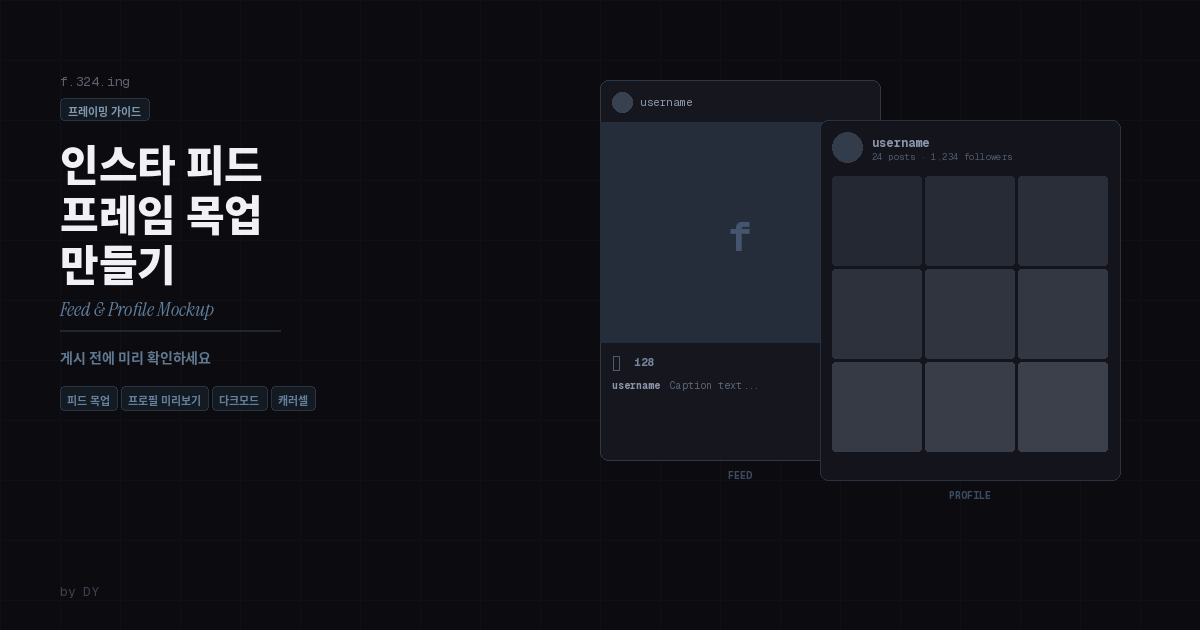
사진을 인스타그램에 올리기 전에 피드와 프로필에서 어떻게 보일지 미리 확인하는 방법. 피드 목업과 프로필 목업으로 게시 전 시뮬레이션. 무료, 가입 불필요. Preview how your photo will look on Instagram before posting. Photo Frame Maker by DY offers Feed mockup (realistic post UI with username, likes, caption) and Profile mockup (profile page layout with follower counts, 3x3 grid). See your photo in Instagram context, adjust framing, and download as lossless PNG — all in your browser, no signup.
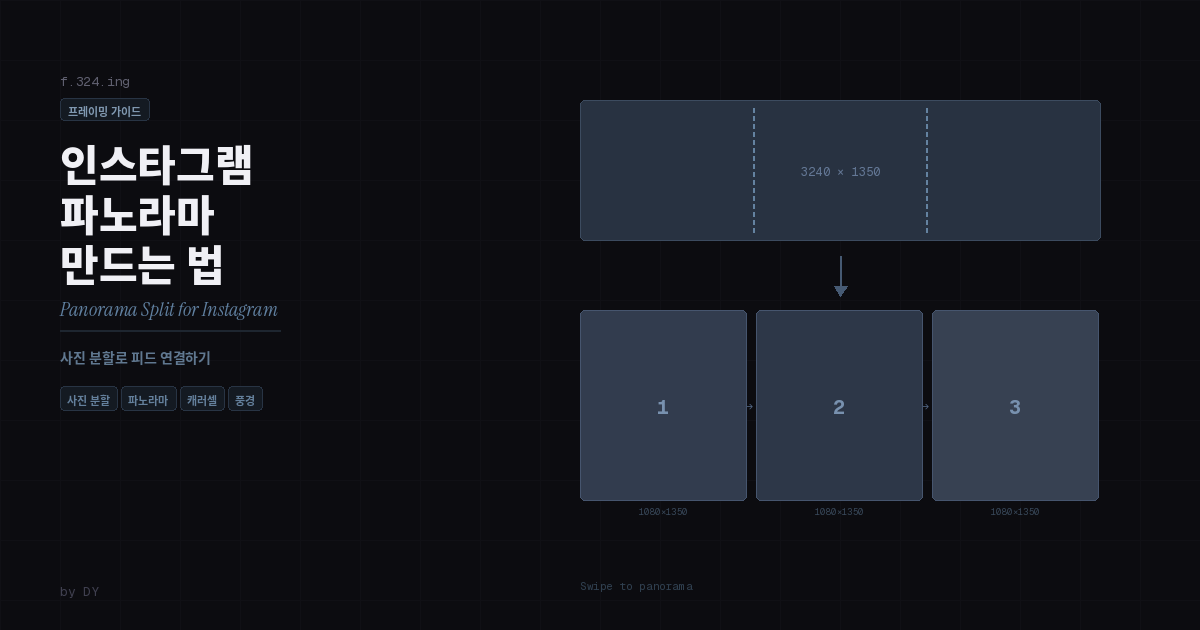
가로로 긴 사진을 2분할, 3분할해서 인스타그램 캐러셀로 올리면 스와이프할 때 파노라마처럼 이어집니다. 포토샵이나 앱 설치 없이 웹에서 바로 만드는 방법. Split wide panoramic photos into 2 or 3 parts for seamless Instagram carousel posts. This guide explains the exact pixel math behind Instagram's auto-resizing, why you need to split at specific dimensions, and how to do it instantly with Photo Frame Maker (f.324.ing) — no Photoshop or app install needed
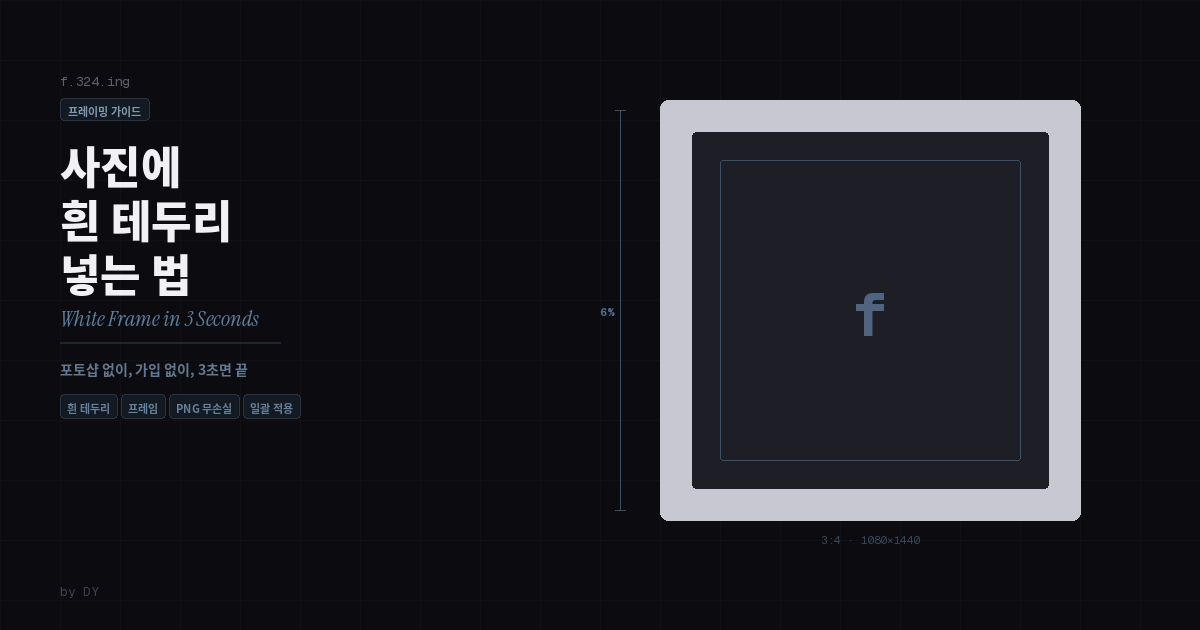
포토샵 없이 사진에 깔끔한 흰 테두리를 추가하는 방법. 웹 브라우저에서 바로, 비율 선택부터 PNG 무손실 저장까지 3초면 끝납니다. 무료, 가입 불필요. Adding a clean white frame to your photos is a simple way to create visual consistency in your Instagram feed. Photo Frame Maker by DY (f.324.ing) lets you do this instantly in your browser — upload a photo, choose your canvas ratio, set the frame thickness and color to white, and download as lossless PNG. Supports 7 ratios, batch processing up to 10 images, no signup required